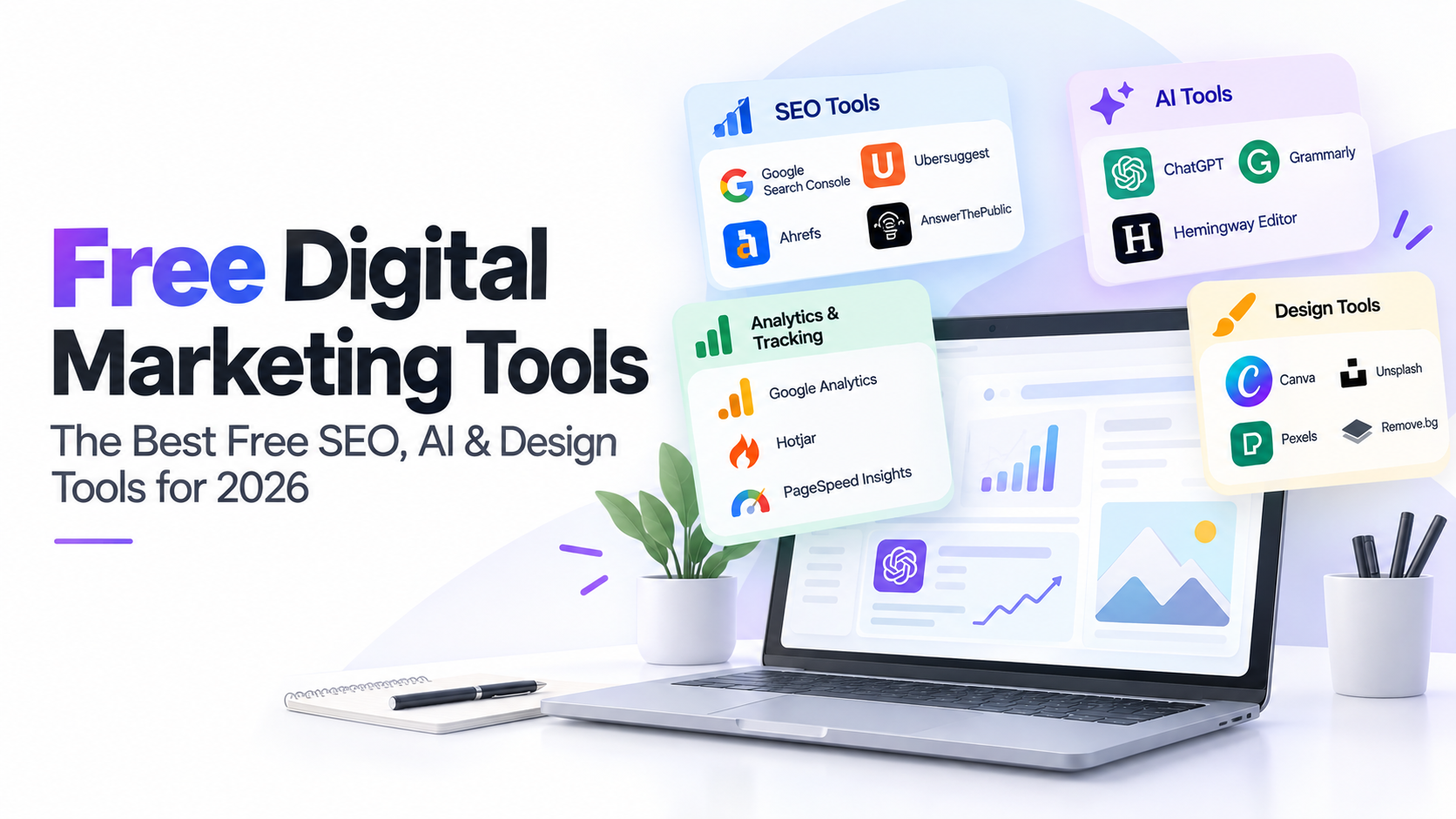
Running digital marketing on a small budget doesn’t mean settling for weak software. Between free SEO tools, free AI tools for digital marketing, and free graphic design tools, a small business today can put together a genuinely capable set of online marketing tools without paying for a single license. This isn’t a list of marketing software you’ll bookmark and forget, it’s the free digital marketing tools for small business we actually recommend, with the detail that matters: what each free plan really includes, not just the tool’s name.
(This is the shortlist. For the complete directory of 55+ free tools for digital marketing, see our full free digital marketing tools page.)
Analytics & Tracking
You can’t improve what you can’t see. As far as online marketing platforms go, these are the non-negotiables, free, permanent, and used by professional marketers daily, not just beginners looking for marketing software to test the waters.
Google Analytics: Free with no usage cap. Tracks traffic sources, user behavior, and conversions. If you only set up one thing on this list today, make it this.
Google Search Console: Also fully free, and arguably the most important tool here. It’s the only place that shows you exactly how Google sees your site: what you rank for, what’s earning clicks, and what’s technically broken. Pair it with Analytics and you cover both sides, how people find you, and what they do once they arrive.
Hotjar: The free plan includes heatmaps and a limited number of session recordings per month, enough to spot where visitors actually drop off on a page, something raw analytics numbers can’t show you on their own.
Google PageSpeed Insights: Free, unlimited checks. Gives a speed score plus a specific, prioritized list of what’s slowing a page down, split by mobile and desktop.
GTmetrix: Free tier gives a full waterfall breakdown of load performance, which is more detail than PageSpeed Insights offers if you’re trying to diagnose why a page is slow, not just that it is.
SEO & Keyword Research
If you’re looking for free SEO tools for digital marketing, this is the core set. Whether you search “seo tool free,” “seo free tools,” or “best free SEO tools,” these are the ones that actually show up in real workflows, not just roundup articles.
Free SEO tools tend to fall into two buckets: the ones built by Google itself (unlimited, permanent, no catch) and third-party tools that offer a free tier as a way to get you into their paid product. Both are worth using, you just need to know which bucket each one is in before you build a workflow around it.
Ubersuggest: Worth a note here: Ubersuggest’s free tier has reportedly changed recently, and we’ve seen conflicting information about whether a free SEO tool option still exists at all in 2026. Check current pricing directly on their site before relying on it as a permanently free option.
- Good for: quick keyword ideas and basic content topic research, if the free tier is still active
- Limitation: daily search caps even at the best of times, and no guarantee the free version stays available
Google Keyword Planner: Free with any Google Ads account (you don’t need to actually run ads to access it). Search volume data straight from Google’s own numbers, which is hard to beat for accuracy even if the interface is built for advertisers first.
- Good for: validating keyword ideas with real search volume before committing to a content piece
- Limitation: built for ad targeting, not content strategy, so volume ranges can be broad and the tool won’t tell you difficulty or suggest content angles
Answer The Public: Free searches are limited per day, but even a handful is usually enough to surface question-based content ideas you wouldn’t think of on your own, genuinely useful for planning blog topics around real search intent.
- Good for: finding the exact questions people type before you write a single word, a fast way to build an FAQ section or a content calendar
- Limitation: the free daily search limit is low enough that you’ll want to batch your topic research into one sitting rather than using it casually throughout the week
Ahrefs Backlink Checker: One of the more useful free SEO competitor analysis tools available. The free version caps out at a small number of backlinks per domain, but it’s still one of the fastest ways to see who’s linking to a competitor and spot link opportunities you’d otherwise miss entirely.
- Good for: a quick competitive snapshot, plug in a rival’s domain and see their strongest referring sites in seconds
- Limitation: only shows a partial slice of the full backlink profile, so treat it as a starting point, not a complete audit
XML Sitemap Generator: A single-purpose free tool: point it at your site, get a sitemap file back. Useful if your CMS doesn’t generate one automatically.
- Good for: a one-time or occasional fix, not a monitoring tool, generate it, submit it to Search Console, done
SEO Site Checkup: Free automated audit that flags common on-page and technical issues in one pass, a reasonable starting point before a deeper manual review.
- Good for: a fast first-pass health check on a site you’ve never audited before, especially useful right after a redesign or migration
- Limitation: automated checks catch the obvious issues but won’t replace a human review for strategy-level problems
Which Free SEO Tool Should You Start With?
If you’re starting from zero, don’t try to use all six at once. The realistic order is: Google Search Console and Google Analytics first (covered above, these are non-negotiable and permanently free), then Google Keyword Planner to validate a handful of keyword ideas, then Answer The Public to shape those keywords into actual content topics. Save the Ahrefs Backlink Checker and SEO Site Checkup for once you have content live and want to see how you compare to competitors. That sequence alone covers most of what a small business needs from free SEO tools before any paid software becomes worth considering.
Content Creation & Writing
The best free AI tools for content creation aren’t necessarily the flashiest, they’re the ones that fit into a daily writing habit. These cover free AI tools for digital marketing content, from first drafts to final polish, plus one that works well for free content creation tools for social media captions and short-form copy.
Grammarly: Free tier covers core grammar, spelling, and clarity suggestions as you type, in-browser or in most writing apps. The more advanced tone and style rewriting sits behind the paid plan, but the free version alone catches most of what makes content look unpolished.
Hemingway Editor: Completely free as a web app, no account required. Where Grammarly checks correctness, Hemingway checks readability, flagging dense sentences and passive voice so your copy reads more like something a person would actually say.
ChatGPT: The free tier has usage limits during high-demand periods but is fully capable for brainstorming, outlining, first drafts, and repurposing longer content into shorter formats like social captions or email blurbs.
Graphic Design & Visual
You don’t need a designer on staff to produce professional visuals. These free graphic design tools, including a couple of free online graphic design tool options, cover nearly everything a small business actually needs for social, web, and print.
Canva: Free plan includes unlimited designs, thousands of templates, and a generous (if limited) stock library, enough to cover social posts, presentations, and basic ad creative without touching a paid plan.
Unsplash and Pexels: Both fully free, no attribution legally required, and both usable for commercial projects. Between the two you’ll rarely need to pay for a stock photo again.
Remove.bg: Free tier processes images at a lower resolution than the paid version, but for social posts and web use, that resolution is usually more than enough, and it saves what used to require actual design software.
TinyPNG: Free compression for PNG and JPEG files, batch-limited per upload on the free tier. One of the fastest fixes for a slow-loading page full of unoptimized images.
Coolors: Free, unlimited palette generation. Useful any time you need a quick, coordinated color scheme without a designer on hand.
How to Actually Use This
Don’t try to adopt all 20 web marketing tools at once. A realistic starting stack for anyone comparing internet marketing tools or digital marketing software for the first time:
- Analytics & Search Console, set up once, check weekly
- Grammarly + Hemingway, run every piece of content through both before publishing
- Canva + Unsplash/Pexels + TinyPNG, your entire visual pipeline, covered
- Google Keyword Planner + Answer The Public, your starting point for content and keyword ideas
That’s a complete, working set of online marketing tools for a small business, and it costs nothing.
Want the complete list of 55+ free tools for digital marketing across every category, the full directory of marketing tools, platforms, and software mentioned throughout this site? See our full free digital marketing tools directory. Prefer to have a team handle strategy and execution instead of managing marketing software yourself? Our digital marketing team can take it from here.