Building a beautiful, custom Shopify store used to be one of the most challenging and expensive things a business owner could take on. You either needed to know how to code, pay a developer to do it for you, or spend hours wrestling with a settings panel, and even then, the result rarely matched the vision in your head. On October 1, 2026, Shopify changed all of that.
Introducing Canvas, Shopify’s brand new AI-powered design workspace that lets any merchant, regardless of their coding skills, design experience, or budget, build a fully custom online store in a matter of minutes. Working alongside Sidekick, Shopify’s built-in AI agent, Canvas is the biggest shift in how Shopify stores are built since the platform first launched.
In this guide we cover everything you need to know about Shopify Canvas: what it is, how it works, what makes it different, what its current limitations are, and what it means for your e-commerce business.
What Is Shopify Canvas?
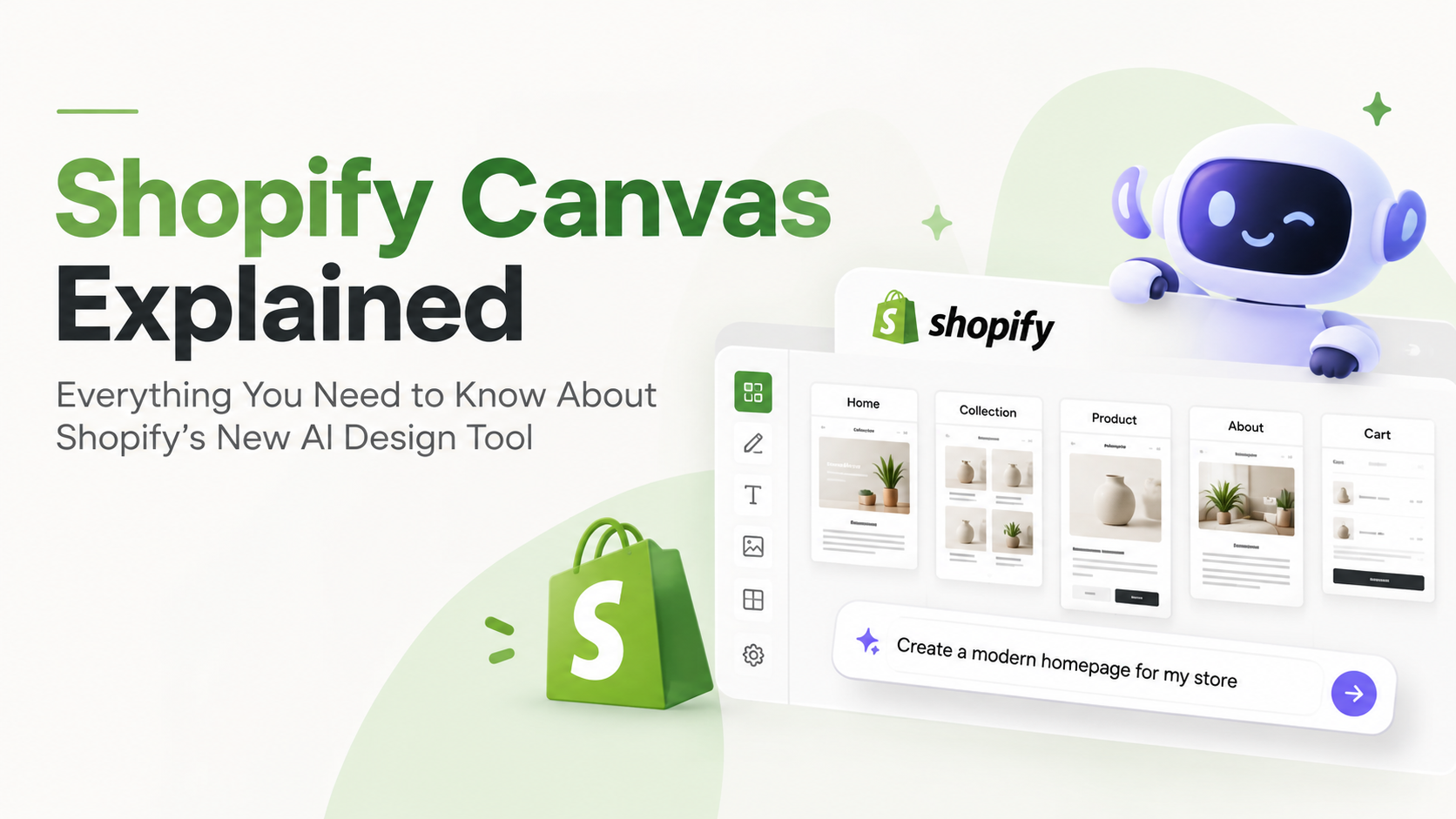
Shopify Canvas is a new visual design workspace, launched on October 1, 2026, where merchants build and customise their entire online store alongside Sidekick, Shopify’s AI agent. Canvas turns your entire store into a single shared workspace, a visual environment where you can see every page of your store laid out together, pan across them to understand how the store feels as a whole, and zoom into specific details to make precise changes.
The vision behind Canvas is straightforward: every business on Shopify is unique, and every merchant deserves a store that feels distinctly their own. Shopify’s position is that Canvas makes this possible for anyone, with or without design experience, coding skills, or a large budget.
Ben Sehl, Director of Product at Shopify and co-founder of Kotn, put it plainly at launch: when he built Kotn 12 years ago, he knew how to code and it still took him two weeks to get a rough store working. Today, an entrepreneur on Shopify can build a fully custom store in twenty minutes that is head and shoulders above what he built then. That is what Canvas makes possible.
The Problem Shopify Canvas Was Built to Solve
For most of Shopify’s history, building a truly bespoke store was out of reach for the majority of merchants. The options were limited: write code yourself, pay a developer to write it for you, or navigate a settings panel constrained by whatever your theme’s developer had chosen to expose. In every case, bespoke was the path of most resistance, and the more ambitious the creative vision, the harder it was to realise.
For larger brands, design updates had to be queued through developer sprint cycles, meaning a simple change to a hero section or product page could take days or weeks to implement. For small businesses, the cost of custom development was often prohibitive, forcing them to work within the limitations of pre-built themes and live with a store that looked like thousands of others.
Canvas eliminates this bottleneck entirely. Design iteration becomes a same-day operation instead of a developer sprint cycle. The gap between a merchant’s creative vision and what their store actually looks like closes, dramatically, and for everyone.
What Is Shopify Sidekick?
Before you can fully understand Canvas, it helps to understand Sidekick, the AI agent that powers it. Sidekick is Shopify’s built-in AI commerce assistant, designed to help merchants manage and grow their stores through natural conversation. Where most AI tools respond to simple one-off requests, Sidekick is designed to work more like a knowledgeable collaborator, one that understands your store, remembers your preferences, and builds on earlier decisions rather than starting from scratch with every message.
Sidekick has been writing code and making store edits for some time, generating apps, building custom theme sections, and making more than 25 million edits to Shopify themes in the first half of 2026 alone. Canvas is what happens when Sidekick’s capabilities are brought together with a visual, whole-store design workspace. Instead of Sidekick working in the background while the merchant navigates separately, Canvas puts both of them in the same shared environment, working from the same design, at the same time.
The Visual Workspace: See Your Entire Store at Once
The core of Shopify Canvas is the visual workspace, and it is genuinely unlike anything Shopify merchants have had access to before. For the first time, every page of a store is laid out together in a single view. Merchants can pan across their entire store to understand how it flows and feels as a whole, then zoom in to work on the fine details of any specific page, section, or element.
Crucially, Canvas is not a static preview or a mock-up. It renders the actual code behind your live store, which means you are not looking at a simplified approximation of how your store will appear, you are looking at the real thing. Full interactivity is preserved, animations play as they would for a live visitor, and merchants can preview each page with different products, collections, and screen sizes to see exactly how their store will look across every context.
This whole-store view transforms the design process. Previously, making a change to one page required navigating to that page in the editor, making the edit, navigating to the next page to see how it affected the overall look, and repeating. With Canvas, the merchant and Sidekick can see the ripple effect of any design decision across the entire store in real time.
Real-Time AI Collaboration with Sidekick
What makes Canvas genuinely powerful is not just the visual workspace, it is the way Sidekick works within it. Merchants have two ways to make changes in Canvas. They can click directly on any element in the workspace to edit it, just as they might in a traditional editor. Or they can describe what they want in plain language through Sidekick’s chat field, and watch Sidekick make the changes in real time, directly in Canvas, as they are happening.
Sidekick is designed to behave like a great creative collaborator. It does not just execute instructions blindly, it asks questions when a request could go in multiple directions, proposes design approaches before making changes, and takes feedback along the way. As Shopify’s design director Austin Knight explained, Sidekick brings merchants tasteful, distinct design directions that become a springboard for their own creativity, whether the merchant arrives with only a vague sense of how the store should feel or a pixel-perfect mockup of exactly what they want.
One of the most valuable features of Sidekick in Canvas is its memory. It remembers the merchant’s preferences and carries earlier design decisions into later work, so the conversation moves forward rather than revisiting settled choices. A merchant does not need to repeat that they prefer a minimal aesthetic, or that the brand palette uses specific tones, Sidekick carries that context into every subsequent request.
Sidekick as a Coding Agent: What Actually Happens Under the Hood
One of the most significant technical developments that makes Canvas possible is the evolution of Sidekick into a full coding agent. Previously, Sidekick could generate code snippets and make discrete edits to store elements. With Canvas, Sidekick now works directly on the theme’s actual files, navigating all the templates and files that make up a theme, making coordinated changes across them, and evaluating the result.
To support this, Shopify has simplified the underlying theme architecture, making a store’s structure, logic, and design easier for Sidekick to understand and modify. As Sidekick builds, it validates its own code and takes screenshots of the result, using both forms of feedback to review and refine its work before handing it back to the merchant. This means Sidekick is not just generating code, it is inspecting the output, checking that it looks right, and correcting itself where needed.
The result is that Sidekick can now handle the full range of store-building tasks, from small individual section changes all the way to complete store-wide redesigns, producing high-quality custom theme code that reflects each merchant’s distinct vision, without the merchant needing to write or understand a single line of code.
Shopify Canvas vs the Existing Theme Editor: What Is the Difference?
Canvas is a brand new design surface, it is not an update to Shopify’s existing theme editor. Shopify has been clear that Canvas is not replacing the existing editor at launch, and the two tools serve different purposes. Understanding the difference helps merchants know when to use each one.
The existing theme editor is a settings-driven tool. It lets merchants adjust options that the theme’s developer has specifically chosen to expose, colours, fonts, section order, and so on. It is reliable and familiar, but its design flexibility is bounded by what the theme allows. If you want to make a change that the theme’s settings do not support, you need a developer.
Canvas, by contrast, works directly on the theme’s code files, meaning there are no artificial limits imposed by what the theme’s settings panel exposes. Any change that is possible in code is possible in Canvas. Sidekick writes and modifies the underlying theme files directly, giving merchants a level of design freedom that was previously only available to those with developer access.
Shopify themselves acknowledge that Canvas is early and there are gaps still to close. It is being built openly alongside merchants, and things will change quickly. Shopify describes Canvas as a starting point on a much larger journey rather than a finished product.
What Are the Current Limitations of Shopify Canvas?
Shopify has been transparent about what Canvas cannot do at launch. Understanding these limitations helps merchants set realistic expectations and plan accordingly:
- Desktop only at launch, Canvas is not currently available on mobile devices
- Shopify-built and custom themes only, third-party themes from the Shopify Theme Store are not currently supported
- No app blocks or extensions support at launch
- No markets or translations support currently
- No rollouts or theme updates support at this stage
- When a theme is customised in Canvas, it is detached from the original theme, meaning future bug fixes, speed improvements, and new features from the theme’s developer no longer automatically reach it
These limitations are real and worth factoring into your decision about when and how to use Canvas. Shopify has indicated that many of these gaps will close over time as Canvas continues to develop, and given the pace at which Shopify has been shipping AI features through 2026, it is reasonable to expect meaningful improvements in the months ahead.
Who Is Shopify Canvas For?
Canvas is built for every Shopify merchant, but it is particularly transformative for certain types of businesses:
New Entrepreneurs Launching Their First Store
For someone launching their first Shopify store, Canvas removes the biggest barrier that previously stood between a great idea and a great-looking store. No coding knowledge is required, no design expertise is needed, and the cost of custom development is eliminated. A first-time entrepreneur can describe their brand vision to Sidekick and watch a fully custom store take shape around it.
Existing Merchants Who Want to Redesign
For merchants with an existing Shopify store that has grown beyond the design flexibility of their current theme, Canvas is the answer to what previously required hiring a developer or migrating to an entirely new theme. Store-wide redesigns that once took weeks of development time can now be initiated and completed in a single session with Sidekick.
Larger Brands Wanting Faster Design Iteration
For seven, eight, and nine-figure brands that have historically queued design updates through developer sprint cycles, Canvas makes storefront iteration a same-day operation. With October projecting $95.8 billion in US online spending and Cyber Week spending forecast at $47.5 billion by Adobe’s 2026 projections, the ability to make rapid, high-quality storefront changes before Q4 is a direct competitive advantage.
How to Get Started with Shopify Canvas
Canvas is rolling out to all Shopify merchants over the coming days from its October 1, 2026 launch. Here is how to get started once it is available in your account:
- Log into your Shopify admin and navigate to Online Store.
- Select New to start a new store design, or open an existing theme to redesign it.
- Describe your brand to Sidekick in the chat field, your products, your aesthetic, your vision. The more specific you are, the more accurately Sidekick can propose design directions that fit.
- Review the design directions Sidekick proposes and select the one that best matches your vision, or ask Sidekick to refine it based on your feedback.
- Continue working with Sidekick through the chat or by clicking elements directly in Canvas until your store reflects exactly the vision you had in mind.
- Preview your store across different products, collections, and screen sizes before publishing.
What Does Shopify Canvas Mean for Your E-Commerce Business?
The business implications of Shopify Canvas are significant, particularly for small and medium businesses that have historically been priced out of the bespoke store design that larger competitors take for granted.
- Custom stores are now accessible to everyone, not just brands with development budgets. The barrier between having a great brand vision and having a store that reflects it has been removed
- Design iteration is now a matter of hours, not weeks, meaning businesses can respond to seasonal trends, campaign launches, and market feedback faster than ever before
- The cost of standing out online is dramatically lower, a fully custom, distinctive store is now within reach without the developer fees that previously came with it
- The competitive landscape shifts, as Canvas becomes widely adopted, the baseline quality of Shopify stores will rise, making strong brand identity and genuinely excellent design more important than ever
- AI-driven shopping is growing fast, AI-driven shopping orders have grown 15x year-over-year, making the quality and clarity of your storefront a more direct driver of revenue than at any previous point
Ready to Build a Shopify Store That Stands Out?
Shopify Canvas is one of the most exciting developments in e-commerce in years, and it arrives at exactly the right moment, just ahead of Q4 and the biggest online shopping season of the year. Whether you are launching a new store, redesigning an existing one, or looking to compete more effectively against larger brands, Canvas gives you tools that were previously out of reach.
At Spider Web Solutions, we help businesses build and grow their online presence across every major platform, including Shopify. With 15+ years of experience delivering web design and development solutions, and a team of specialists across SEO, PPC, content marketing, and digital strategy, we understand what makes an online store not just look great, but convert visitors into customers.
Whether you need help building your Shopify store from scratch, redesigning an existing store for maximum performance, or developing a digital marketing strategy that drives traffic and sales, our team is ready to help. Get in touch with Spider Web Solutions today.